Share custom map markers
2 min read
Drop pins on GTAMap, copy a link, send it. No account. Example below uses GTA VI.
1. Pick a map
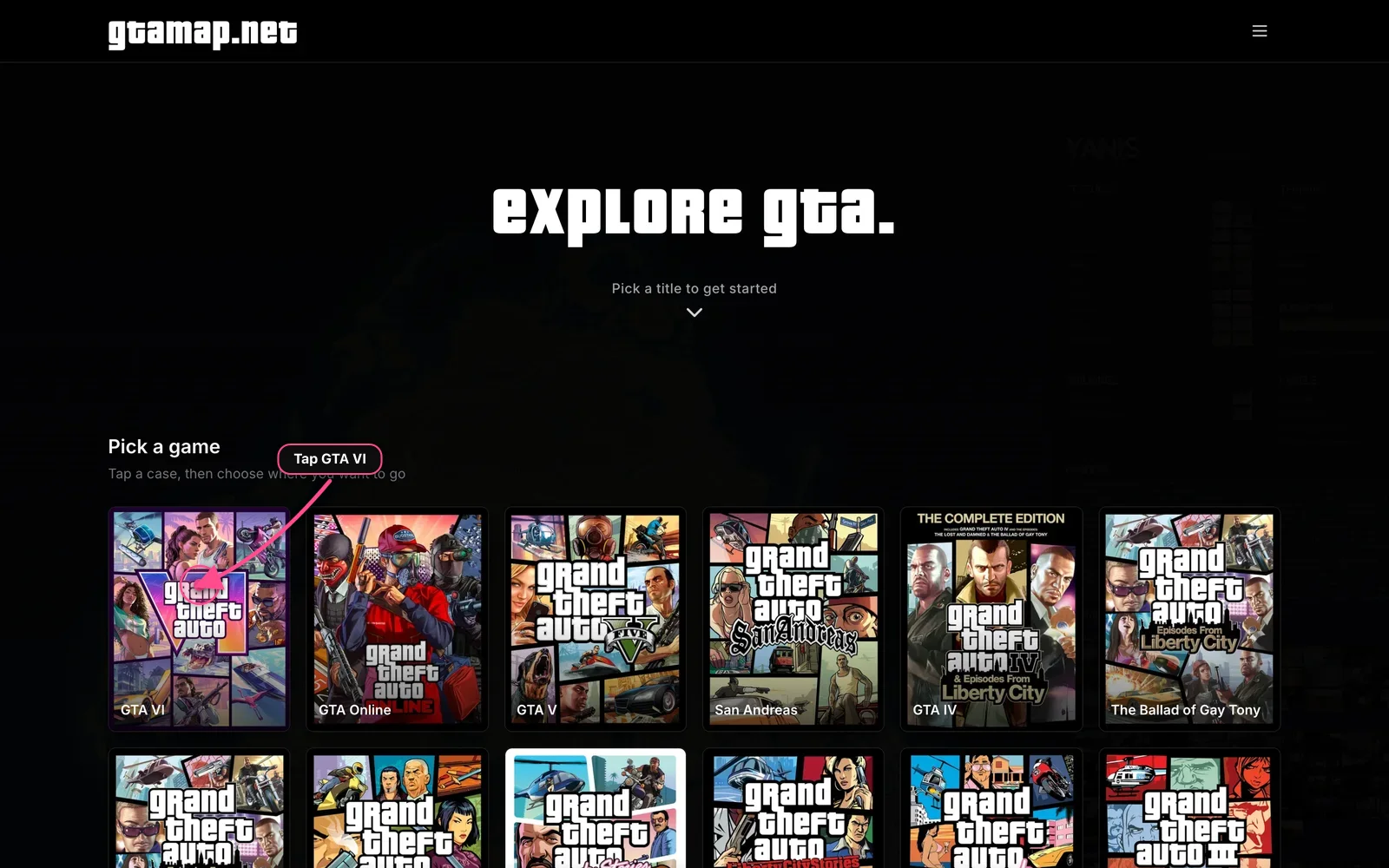
Open gtamap.net, scroll to Pick a game, tap the GTA VI case.
2. Open the map
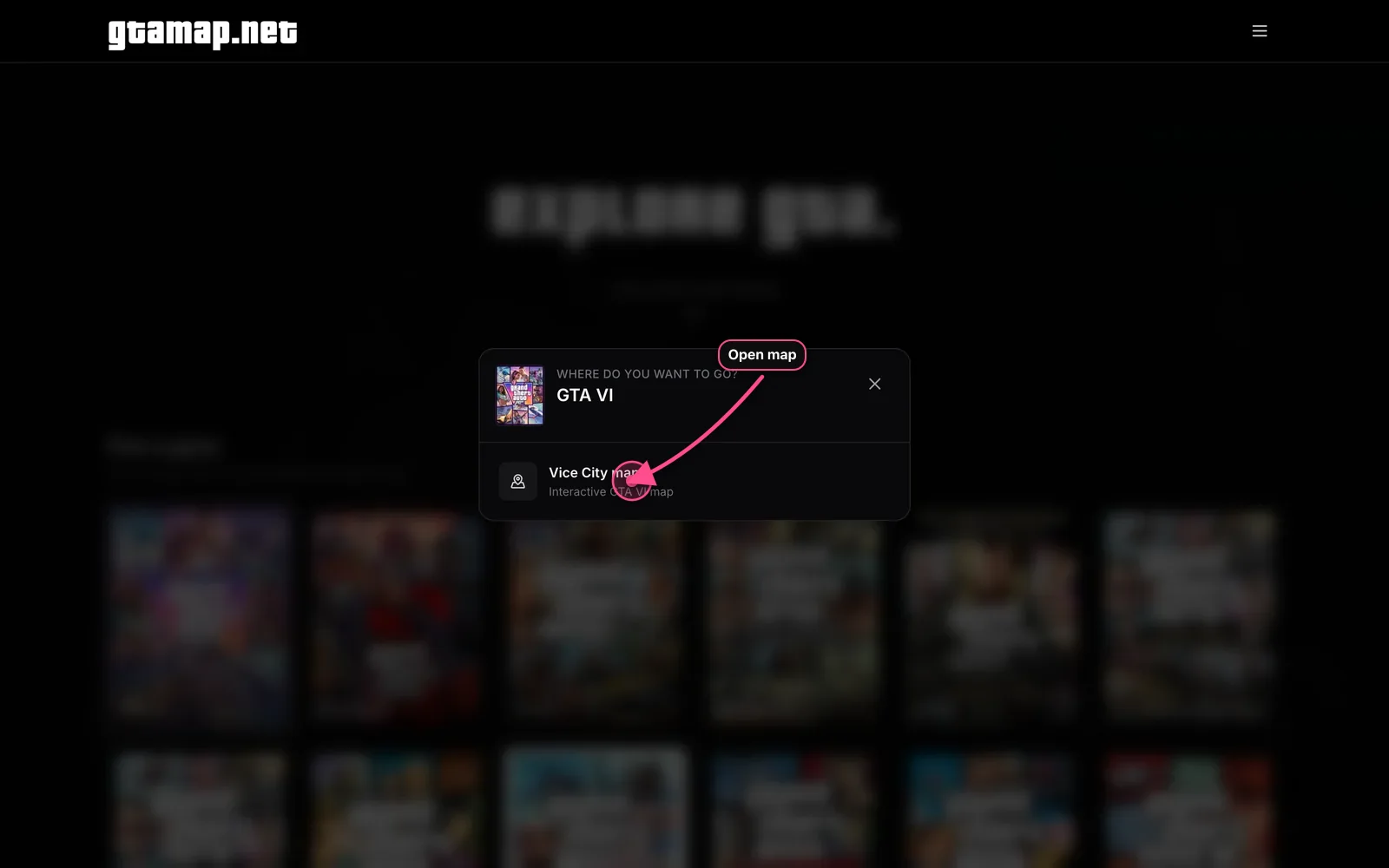
Choose Vice City map.
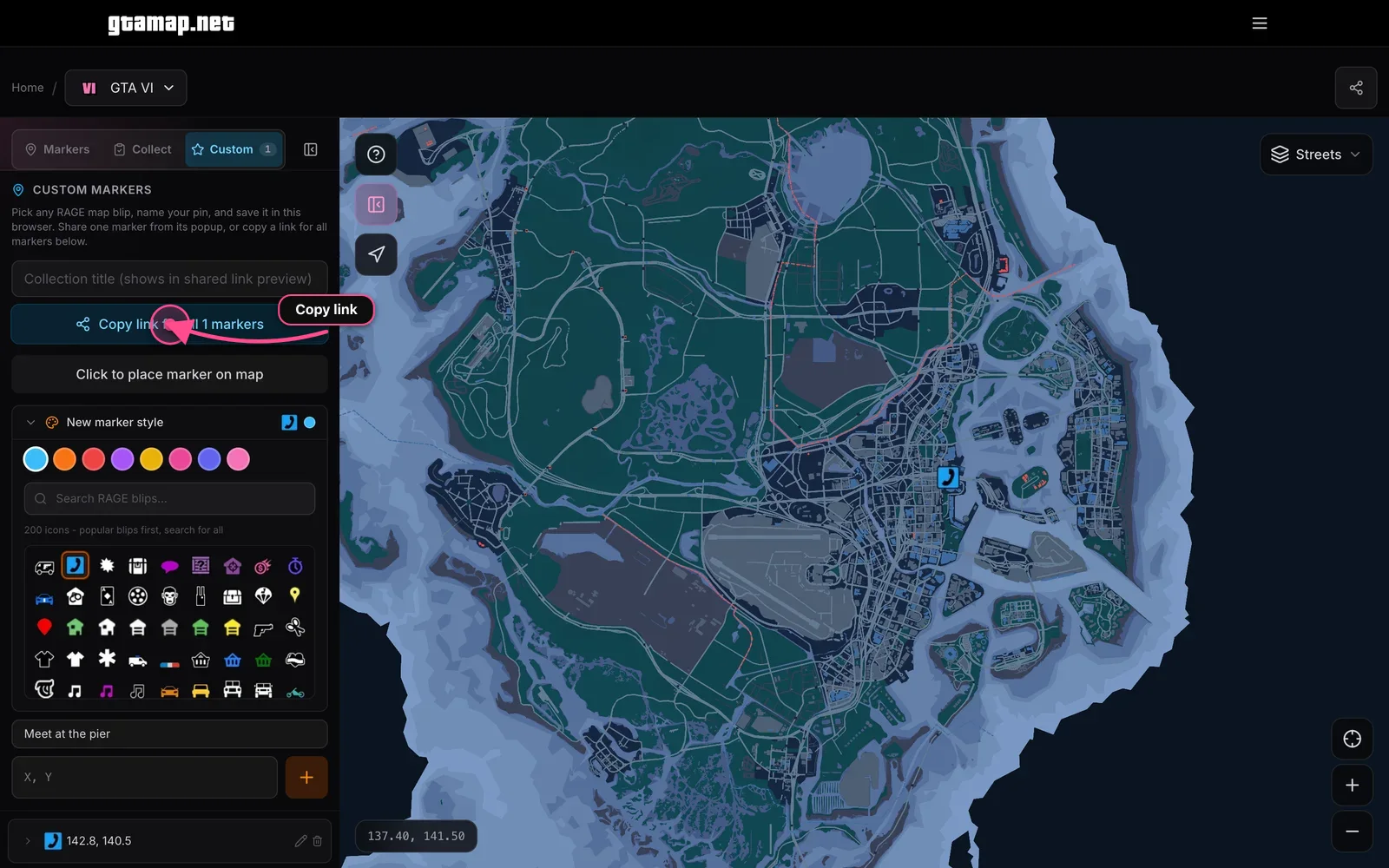
3. Tap Custom
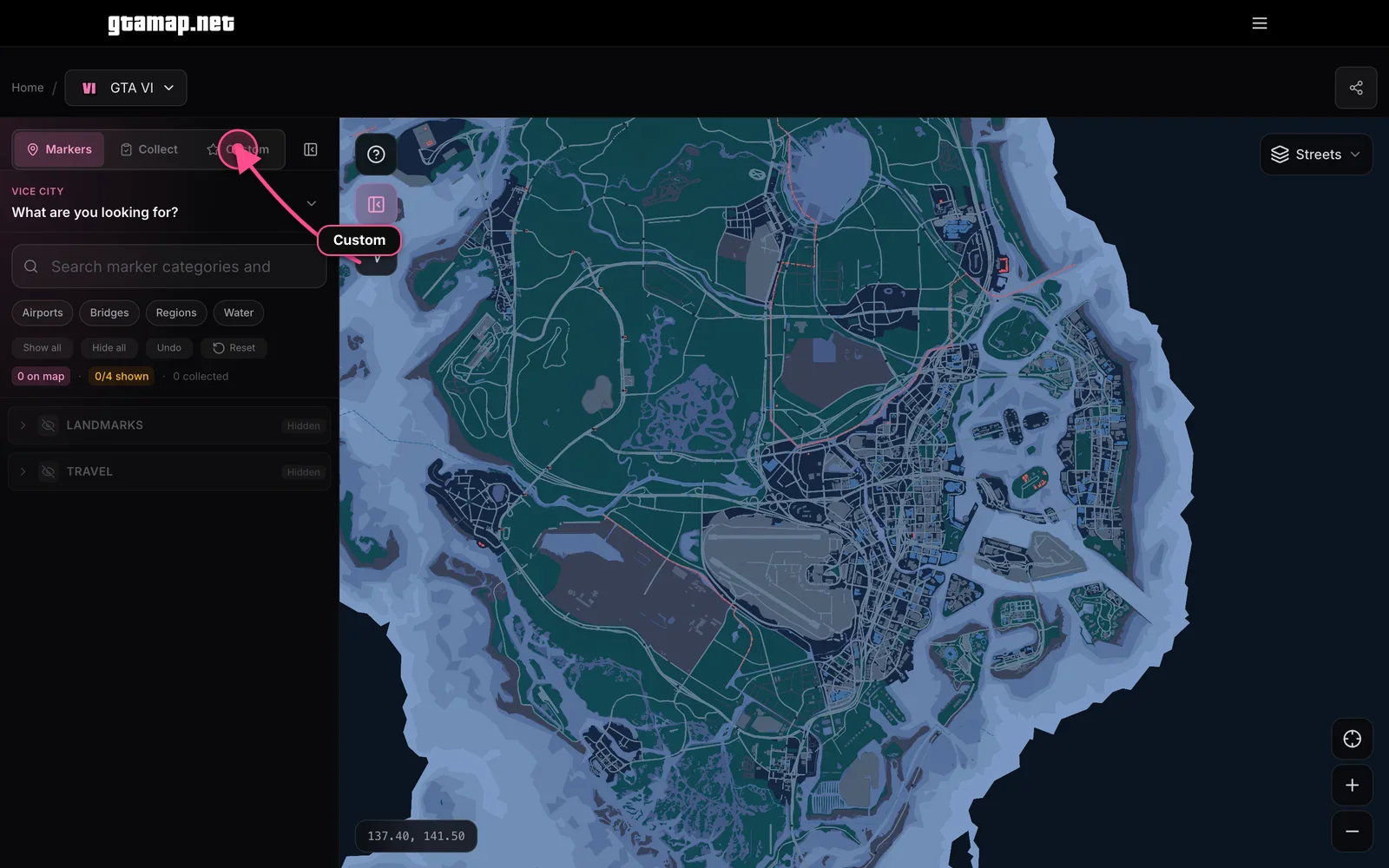
In the left panel, open the Custom tab (star icon).
4. Place a pin
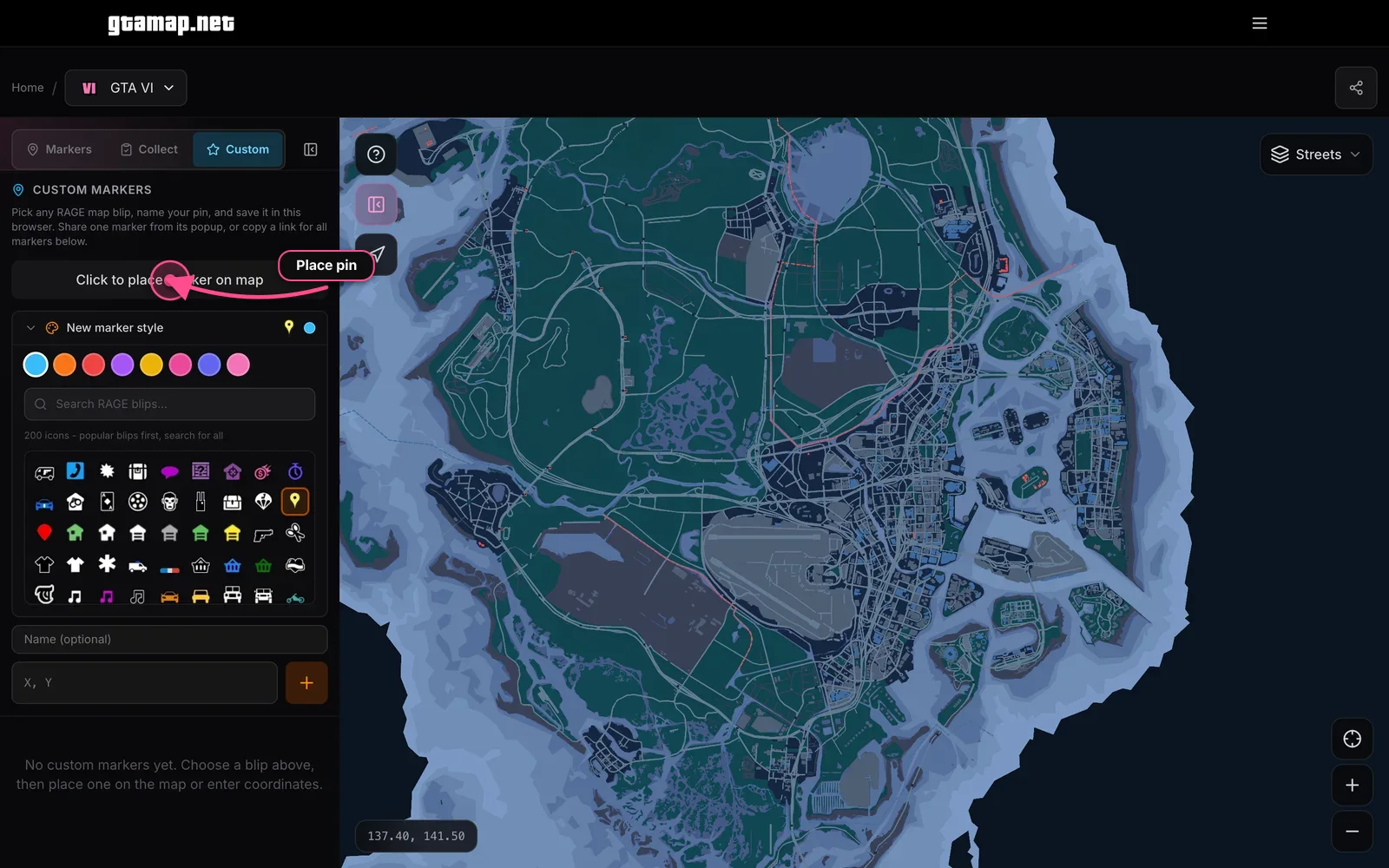
Pick a color and blip, optionally name it, then tap Click to place marker on map and click the map.
5. Copy the link
Tap Copy link for all markers. Paste it in Discord, chat, or a GTAFriends session. Friends open it with no sign-up.
FAQ
- Do I need an account?
- No. Place pins on gtamap.net and copy the share link. Friends open it with no sign-up.
- Does this work on GTA Online too?
- Yes. Same Custom tab on GTA Online and other maps. This guide uses GTA VI as the example.
- What if I clear my browser data?
- Local pins can disappear, but anyone with the share link still sees those pins in the URL.